Start with a supported measurement
Choose the wearable or sensor around the health information the project actually needs.
Connected health platforms
A connected health platform is more than a device and more than an app. It is the path that helps users wear a product, view supported information and return to the experience over time. LUROGEF helps projects start by defining that path clearly.
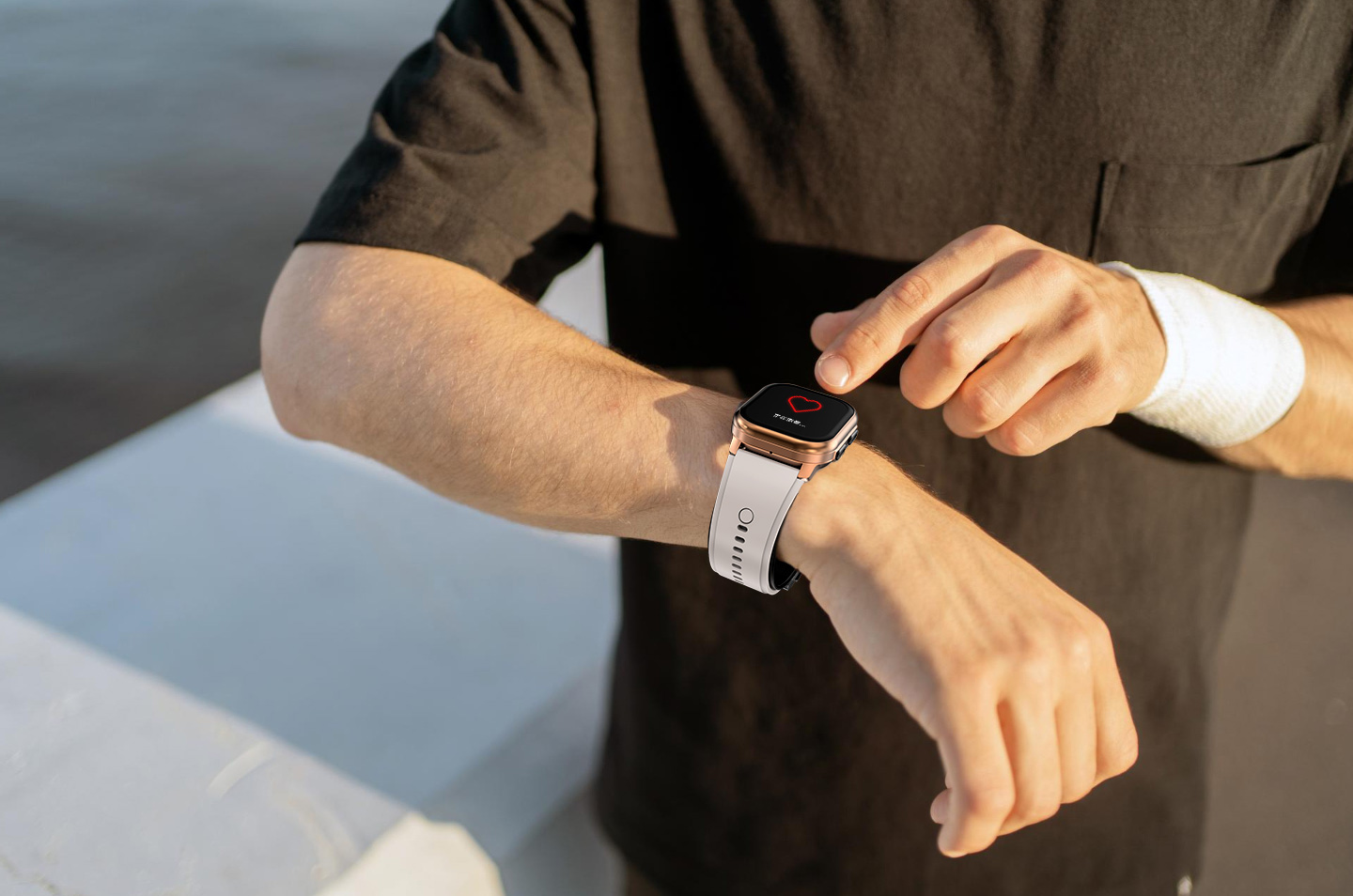
The purpose of connection
The central question is simple: what should happen after the measurement? A good connected experience gives the user a clear next step—view a record, follow a trend, share selected information or return to the routine.
Choose the wearable or sensor around the health information the project actually needs.
Connect the product to its compatible application so readings and trends are understandable and easy to revisit.
If data must move into another customer platform, confirm the method and scope for the selected product before making a promise.
Where connected health is used
These are practical application patterns. The final device, data fields, permissions and integration method depend on the project.
A blood pressure wearable, smart ring or CGM system can be the starting point. The application then gives users a consistent place to view supported readings, trends and status information.
Some products support family or account sharing. Define who can access the record, which information they should see and how permissions are managed before the project is deployed.
A connected ring or watch can support a wellness experience built around sleep, activity and selected health information. The value comes from a clear review journey, not from adding unnecessary features.
The connected path
A connected project becomes easier to scope when each layer has a clear role. Some projects stop at the compatible app; others may require an additional customer platform or data interface.
A connected user experience
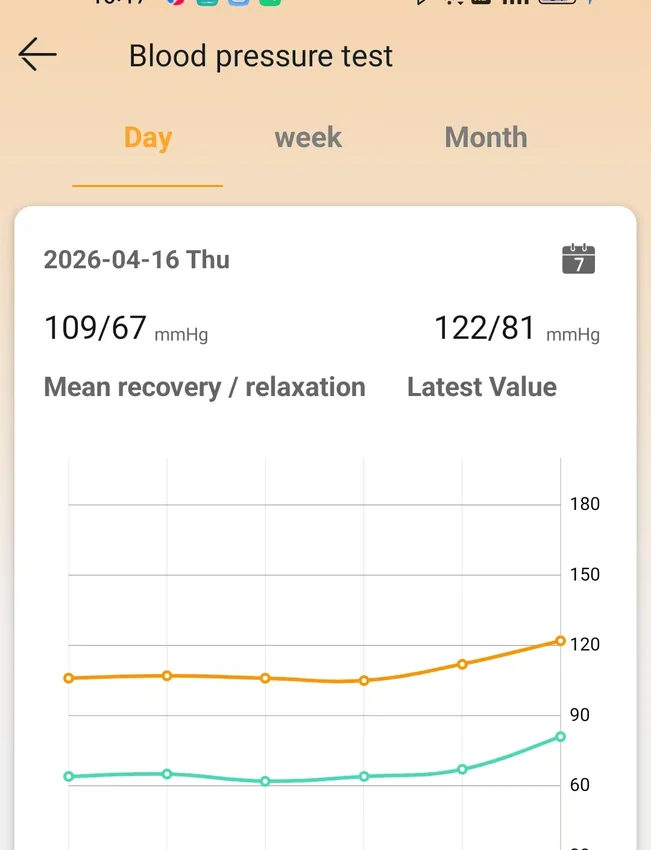
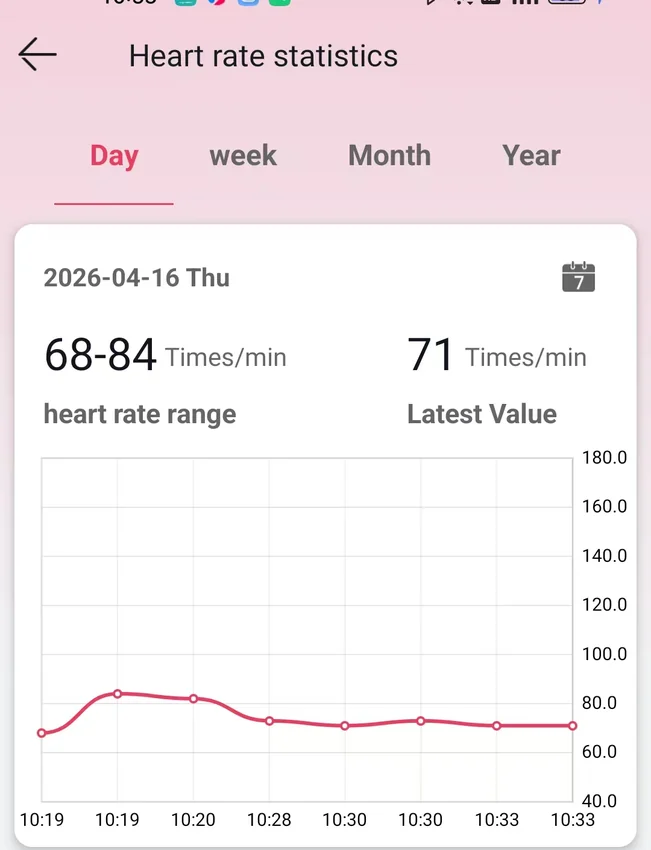
The supplied app examples show the kind of experience a connected product can support: a blood pressure record, a heart-rate trend and other product-specific views. They are examples of user-facing screens, not a universal platform or a clinical dashboard.
Integration capabilities are confirmed according to the selected product platform and project requirements. Do not assume an API, SDK or cloud interface until it has been confirmed in writing.
Compatible product platforms
Blood pressure wearables, smart rings and CGM systems serve different measurement and wearing needs. Product suitability and available connection methods are reviewed together during scoping.
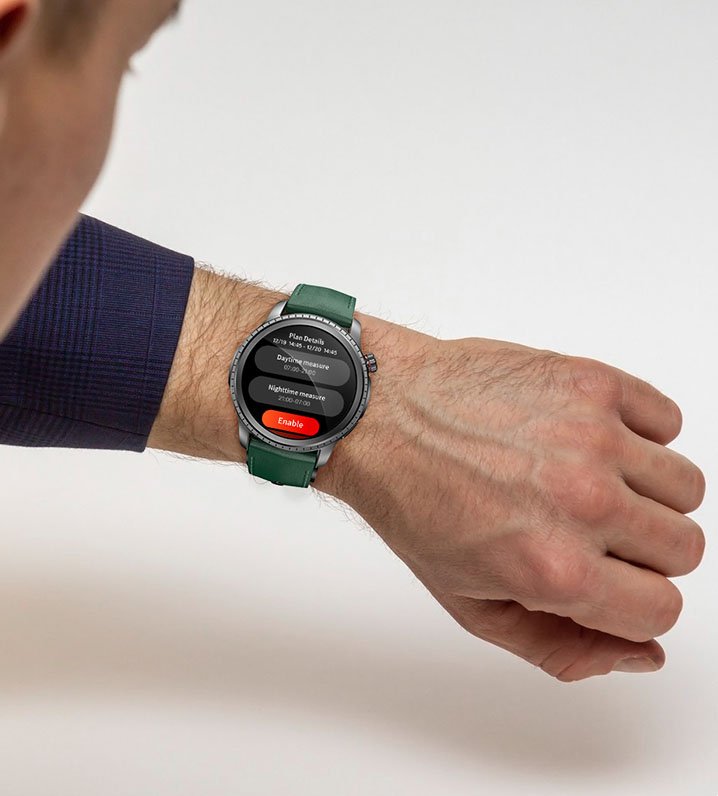
For connected blood pressure and supported health-monitoring experiences.
Explore Product Platform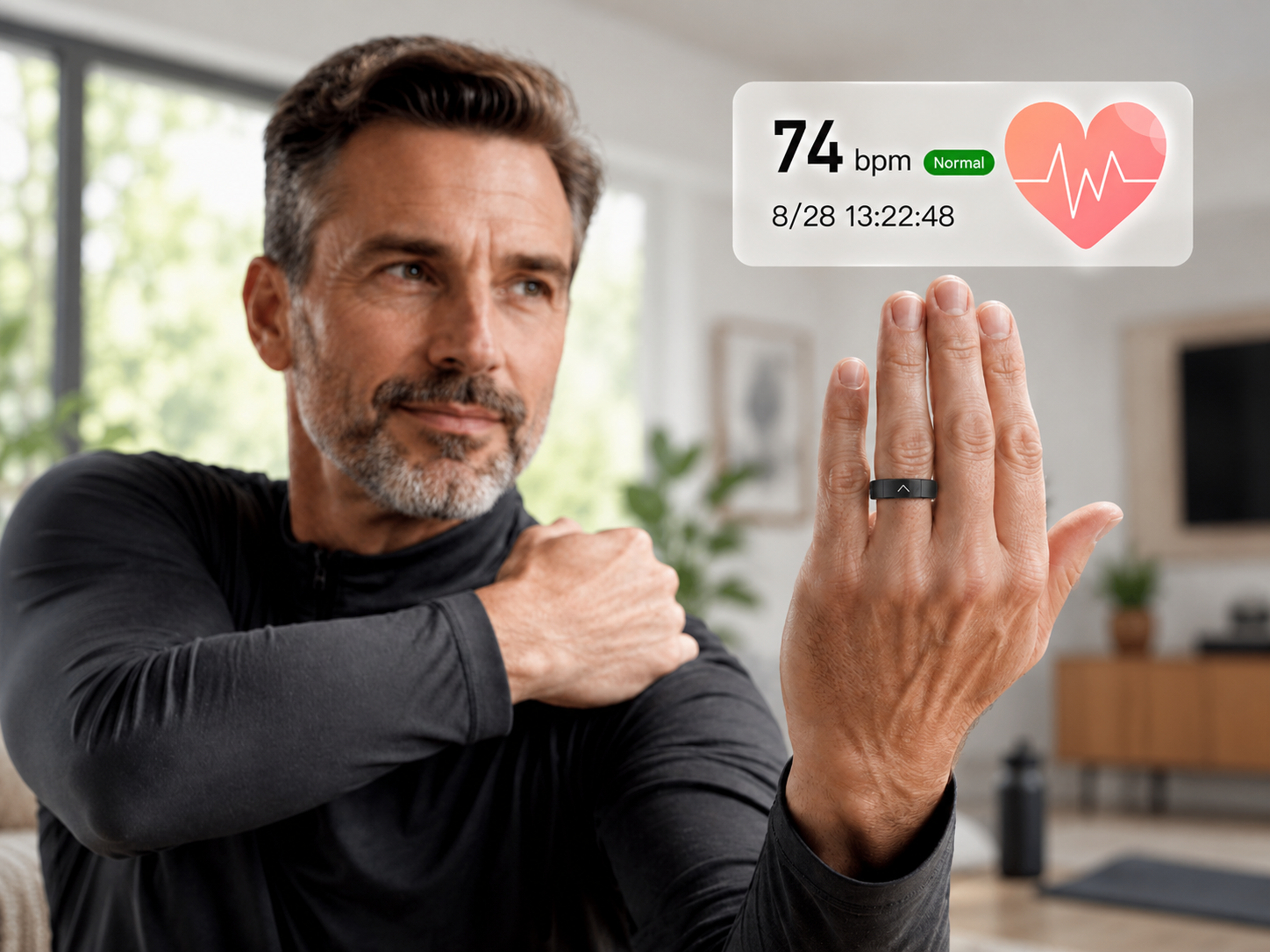
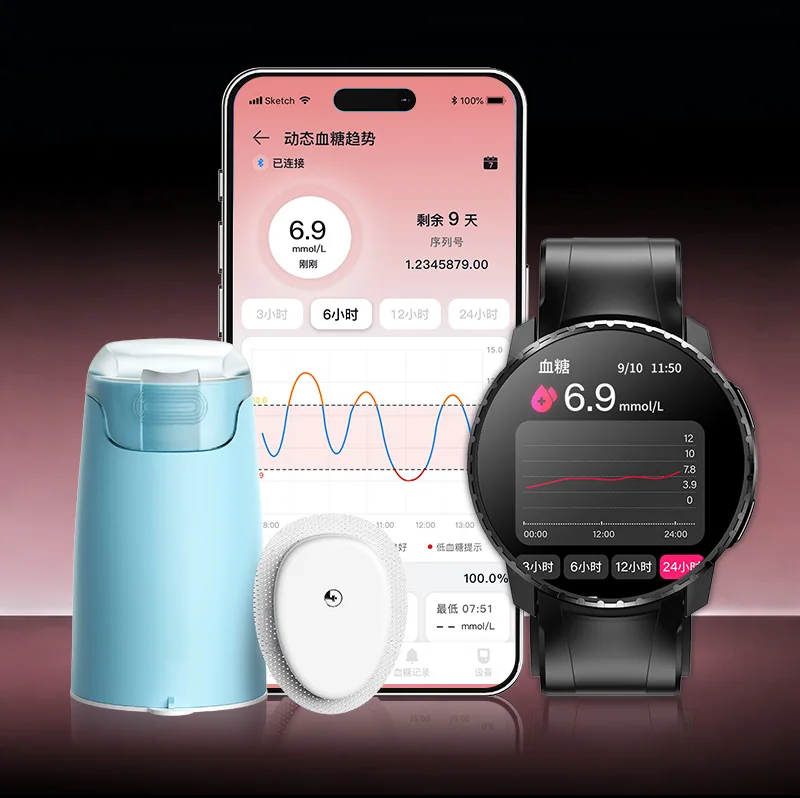
For continuous glucose data from a separate sensor and compatible viewing devices.
Explore Product PlatformBefore integration
A concise brief helps both sides identify what is known, what needs testing and what must be confirmed for the selected market.
Which wearable or sensor will be used?
Which readings, trends or records are needed?
Where will the wearer view the information?
Does a customer app or system already exist?
Which product connection is available?
Which market, user group and rollout model apply?
Need the hardware customized too?
Selected connected-health projects can be combined with OEM and ODM work, including product configuration, app identity, packaging and manufacturing scope.
Frequently Asked Questions
Answers about choosing and using wearables for this application.
Visit the FAQ pageOur range includes blood pressure watches, the CARE2 smart ring and the S10 CGM system. Map each measurement to the appropriate device first, then confirm the receiver, app and onward platform requirements for that configuration.
The sensor obtains the measurement; the receiver or app presents the processed result. In the S10 CGM system, glucose comes from the upper-arm sensor, while a compatible watch or phone displays the synchronized reading.
Include the device model, receiving system, data fields and units, timestamps, delivery requirements and user identifiers. Define authorization, access control, missing-data handling, version compatibility and the support owner for each stage.
Show the reading timestamp and indicate missing or stale data clearly. Test disconnection and reconnection, and avoid presenting a previously received value as a fresh measurement; recovery behaviour must follow the agreed device and interface specification.
Run a measurement through every stage to the receiving screen or platform. Test pairing, restarts, network loss, access permissions and support escalation, and confirm the supported configuration and release versions before rollout.
Share the target device, required data, user journey and existing platform. We can help identify the right starting point and the questions to confirm next.
We use only necessary browser storage to remember privacy preferences and support core site functions.